

This article was written by James Ensor, Global Lead, Server-Side at Didomi. Want to share your expertise on our blog as well? Reach out to us at blog(at)didomi.io.
A water leak at home rarely announces itself. By the time you see the watermarks on the ceiling, the damage is already done, and tracing the source is hard enough that most of us end up calling a plumber. Server-side tagging has the same problem: by the time the symptoms surface, the leak has been running for weeks.
That’s the problem with server-side tagging in a nutshell. The leaks are real, but the signs appear only after the damage is done.
Client-side tagging lets you see the puddle
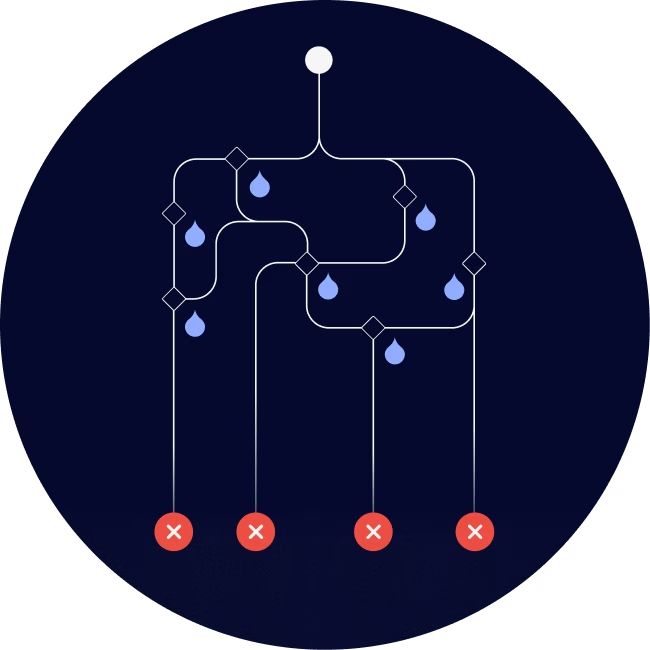
Client-side tagging leaves your pipes exposed. When something goes wrong, you can usually watch it happen. The browser’s network tab shows requests failing, and the console throws errors. Ad blockers cause visible failures, and browsers block cookies. Pixels don’t fire, consent signals get blocked, and analytics and ad platforms end up missing data.
In some cases, browser errors or tracking-protection technology cause GTM requests to fail through 307 redirects. Ugly, but visible, which means someone can find it and diagnose it.
Each leak bleeds into your analytics and ad platforms, and up to 45% of data can be lost in this pipework. Even so, every marketer’s experience is often the same, and you don’t find out about the data loss until the budget is spent and the attribution doesn’t add up.
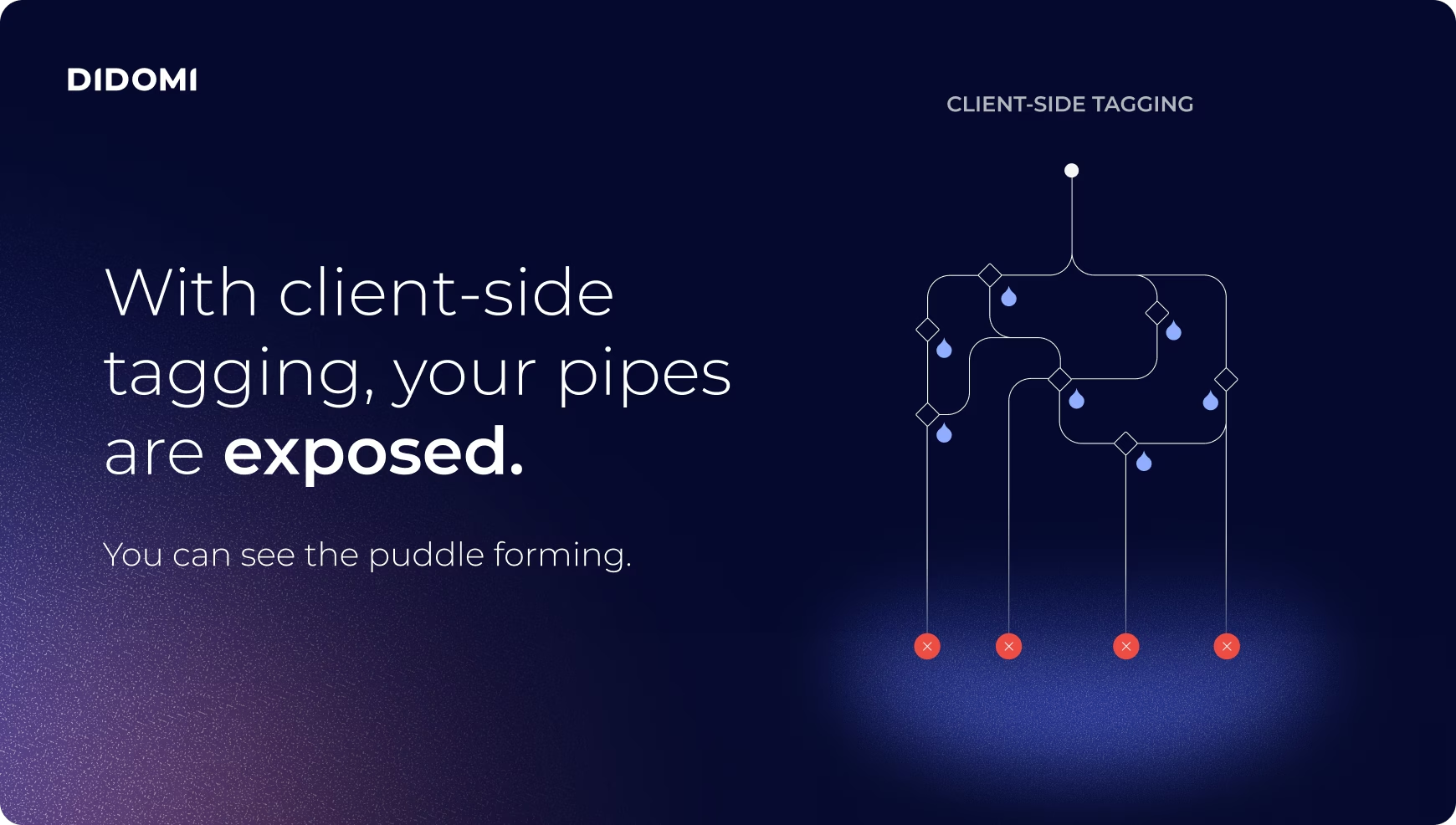
Moving to server-side GTM is often pitched as the cure. It isn’t. It puts the pipework behind the walls. The pipes are still there, and the risk of leaks remains, but you’ve lost the ability to see them. What was once a visible puddle is now a hidden leak, and nothing on the surface tells you anything is wrong.
sGTM hasn’t removed the risk of leaks. It has removed your ability to see them.
Consent is the shutoff valve
Somewhere in that plumbing sits a shutoff valve tied to consent. It’s supposed to behave simply: when a user consents, the valve opens, and events reach their destination; when they refuse, it closes, and nothing leaves.

The failure mode is simply a valve stuck in the closed position. The consent signal from the Consent Management Platform (CMP) never got correctly mapped into the server container’s consent state, usually for one of two reasons:
- Default states weren’t passed. The server container never learned what the baseline consent state should be.
- Consent Mode v2 overrides were applied client-side but never replicated server-side. The browser knows the user said yes, but the server never got the memo.
The result is the worst kind of failure, a silent one. The tap upstream still works fine as the user browses, converts, and does everything right, but nothing comes out downstream. And there’s no alarm, because the system is doing exactly what the valve told it to do.
You don’t find an invisible leak by tearing open the wall
When a leak is hidden, the plumber doesn’t rip out your walls; they put a gauge at the tank and a gauge at the tap, then watch the gap between them.
The same principle applies to sGTM. What you’re looking to gain is parity across four dimensions:
- Consent
- Volume
- Latency
- Timeouts
If what goes in matches what comes out, the walls can stay closed. If it doesn’t, you know where to look. In other words, you can open the wall without breaking it.
Gauge the tank, the pipes, and the tap
In practice, this comes down to three gauges placed at the pipeline's key joints:
- Consent flow. Is the consent state your CMP set actually the state the server container is acting on? This catches the stuck valve before it silently starves your destinations.
- Event and parameter flow. What you sent versus what the server received, event by event and parameter by parameter. This is where volume gaps and dropped parameters show up.
- Tag flow and success rate. Did the server actually deliver to Google, Meta, and every destination you’re paying for? It ensures third-party vendors receive and interpret what you sent.
Together, they form a single control panel. As an example of what it surfaces, you might see consent parity broken (ad_storage denied server-side but granted client-side), a volume gap widening (purchase events down 12% against client-side), and tag delivery perfectly healthy at 99.4% success across destinations.
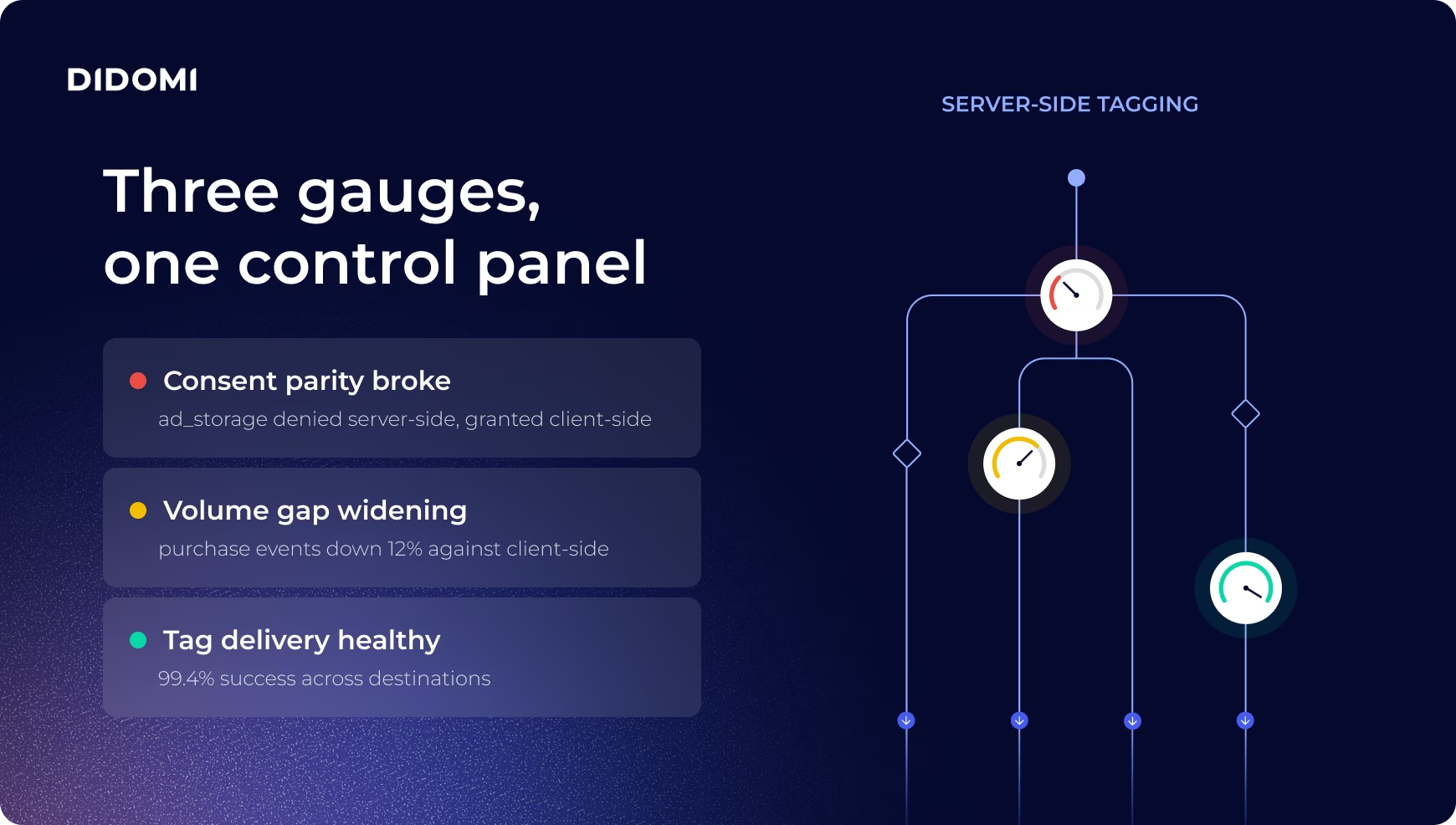
Without these gauges, you’d see only that last, reassuring number and conclude everything was fine. With them, you see the whole picture, and you avoid making business decisions on flawed analytics.
Time to rebuild the visibility you lost
Server-side tagging is a genuine step forward for control, performance, and privacy, but it changes the nature of the risk, rather than removing it. You can no longer rely on the browser to show you when something breaks, so you need to rebuild that visibility on purpose.
Monitoring only matters if it shortens the time between a problem and its fix:
Our fastest record from alert to fix is 12 minutes.
- Dan Truman, Duga Digital
So my advice is to put a gauge at both ends and to set alerts for when parity breaks (instead of waiting for the budget to run out). And the best part is that you can do it without ever opening the wall.