.svg)




If you’re comparing Consent Management Platforms (CMPs) for your app and trying to find the right fit, you’ve probably noticed there’s no shortage of options, and they can be hard to tell apart.
Getting this right matters, as regulators are paying close attention to how mobile apps collect and use personal data. Recent events have made that clear: Ireland’s Data Protection Commission fined Google €403 million over its handling of location data, including Web and App activity. Meanwhile, Norway’s data protection authority fined Microsoft’s ad unit Xandr NOK 92 million (about €8.6 million) for relaying Grindr users’ data to advertisers without valid consent. Missouri sued Temu, alleging that its app collects user data without their knowledge or consent, joining other U.S. states such as Arkansas.
For you, that means understanding the difference between web and mobile apps so you can set up consent correctly and easily.
Mobile app consent works differently, and beyond the General Data Protection Regulation (GDPR) or other regulations, Apple and Google enforce their own rules. The easiest way to handle both is to implement a solution that carries a signed-in user’s choice across your site and app, which gives you consistent data and exposes your users to fewer prompts.
This article explains what a mobile app CMP does that a web CMP can't, and how to pick the right one.
What is a CMP for apps, and how does it work?
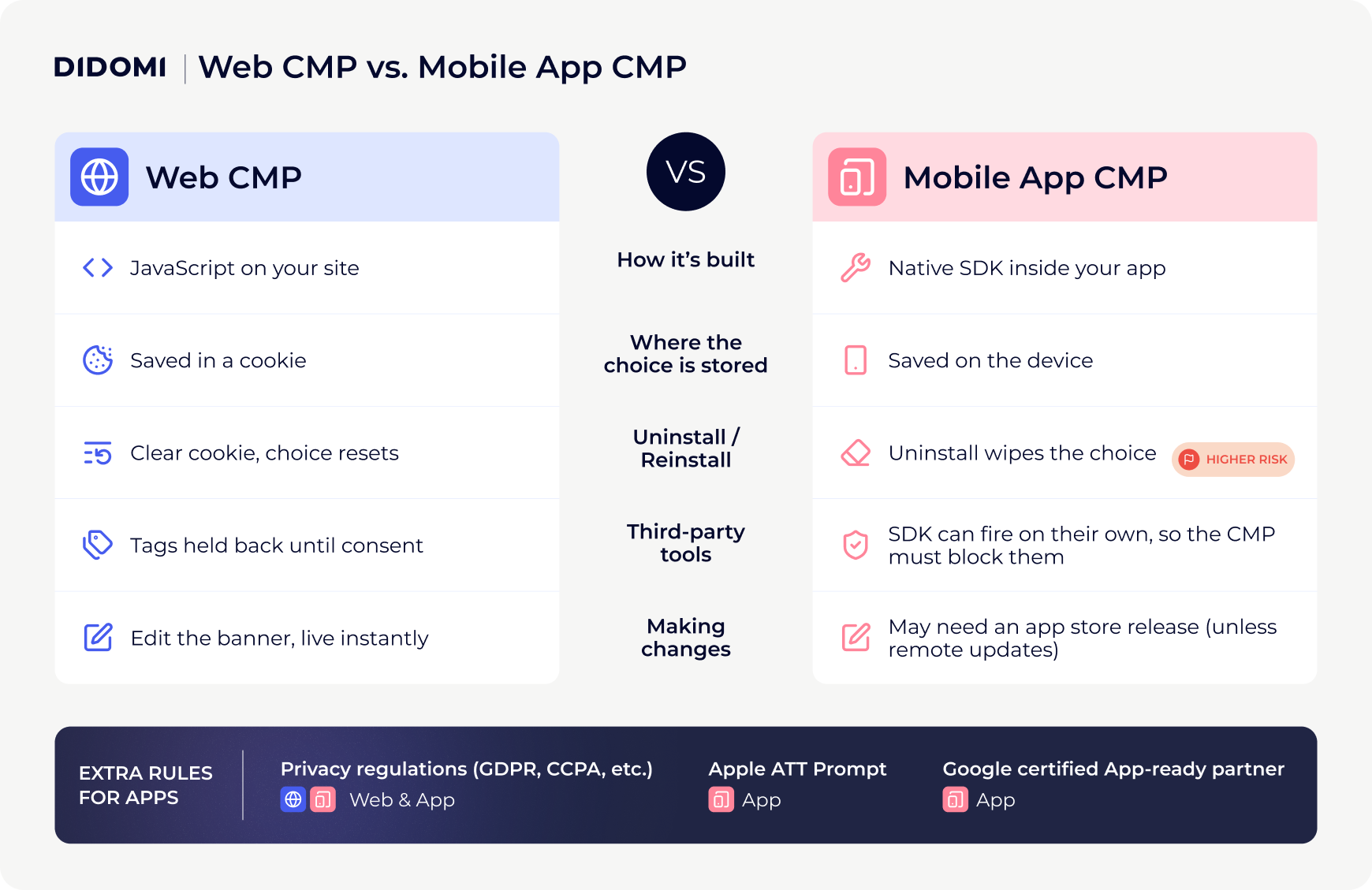
While a web CMP uses JavaScript embedded in the website, an app CMP works differently: it uses a native Software Development Kit (SDK). An SDK is a ready-made set of code that developers can add to their app to do a specific job, and in this case, showing consent choices and recording them. Hence, it becomes a part of the app itself.
This means that once the app is downloaded, the consent interface appears the first time the user opens it, and the user’s choice is saved locally on their device.
How is consent management different for mobile apps?
Device type is not the only difference. Because an app CMP is part of the app and not cookie-based, saved choices are lost when the app is uninstalled and cannot be simply restored when the user reinstalls it unless the consent interface is triggered again. This also implies that if consent requirements change, you may need to release an app update to change the notice, while on the web you simply edit the banner. (Some CMPs avoid this with remote updates, covered below.)
An app also contains other third-party SDKs, for example, analytics, attribution, ads, and push notifications. These might gather data independently, so the CMP must be able to stop them from firing if the user does not consent. On a website, a CMP can hold back tags until the visitor makes a choice, usually through a tag manager or by rewriting script tags. An app has no equivalent by default. Each SDK is built into the app and can start collecting data as soon as it launches, so developers need to delay that initialization until the consent signal is available.
To add to that complexity, each operating system (OS) adds its own rules, for example Apple's App Tracking Transparency (ATT), and Google requires a Google-certified CMP when you show ads through its products to users in the European Economic Area (EEA), UK, and Switzerland. All of that sits on top of laws like the GDPR, the California Consumer Privacy Act and California Privacy Rights Act (CCPA/CPRA), and Brazil’s Lei Geral de Proteção de Dados (LGPD).
Managing consent for mobile apps presents unique challenges and requires a CMP to be purposely built to handle the specific requirements of that ecosystem.
- Rebecca Berbel, Product Marketing Manager at Didomi
Here is the simplified difference between CMPs for web and apps:
What makes a CMP mobile-grade?
Now that you know how a mobile CMP differs from a web CMP, here is what to look for:
- SDK coverage for the way your app is built: Apps are not all built the same way, so check that the CMP supports your cross-platform framework (such as Flutter, React Native, or Unity) and not just native iOS and Android.
- Where and when the consent signal lands: If the signal arrives too late, third-party SDKs may fire too early and collect data before the user has consented (under opt-in regimes such as the GDPR in the EU) or keep sharing data after they've opted out (under opt-out regimes such as CCPA/CPRA in California).
- Remote updates: If you need to update something in your CMP, then you should be able to update it remotely, without waiting for an app store release.
- Google certification and Apple requirements: Make sure the CMP is certified in Google's CMP Partner Program. This shows it meets Google's standards and follows industry best practices. It is also beneficial to check that it follows Apple's requirements, including the ATT prompt. For more details, please refer to our previous article on Google’s CMP certifications.
- Syncing across app and site: Consent fatigue is a significant concern for companies right now. Look for a CMP that can share consent between your app and website for logged-in users, so they aren’t asked twice.
- Documentation and record management: Your CMP must keep proof of each user's choice, including what they agreed to, when, and which notice they saw. This is even more essential for apps, where preferences saved on the device can be lost when reinstalling.
- Support and assistance: Check what support you get during setup and when rules change to ensure ease of use.
Top 7 CMPs for mobile apps in 2027
Let’s compare some of the best CMPs on the market for mobile app consent management, based on publicly available user reviews.
Didomi: Enterprise-ready CMP for unified consent across web, apps, and connected TV
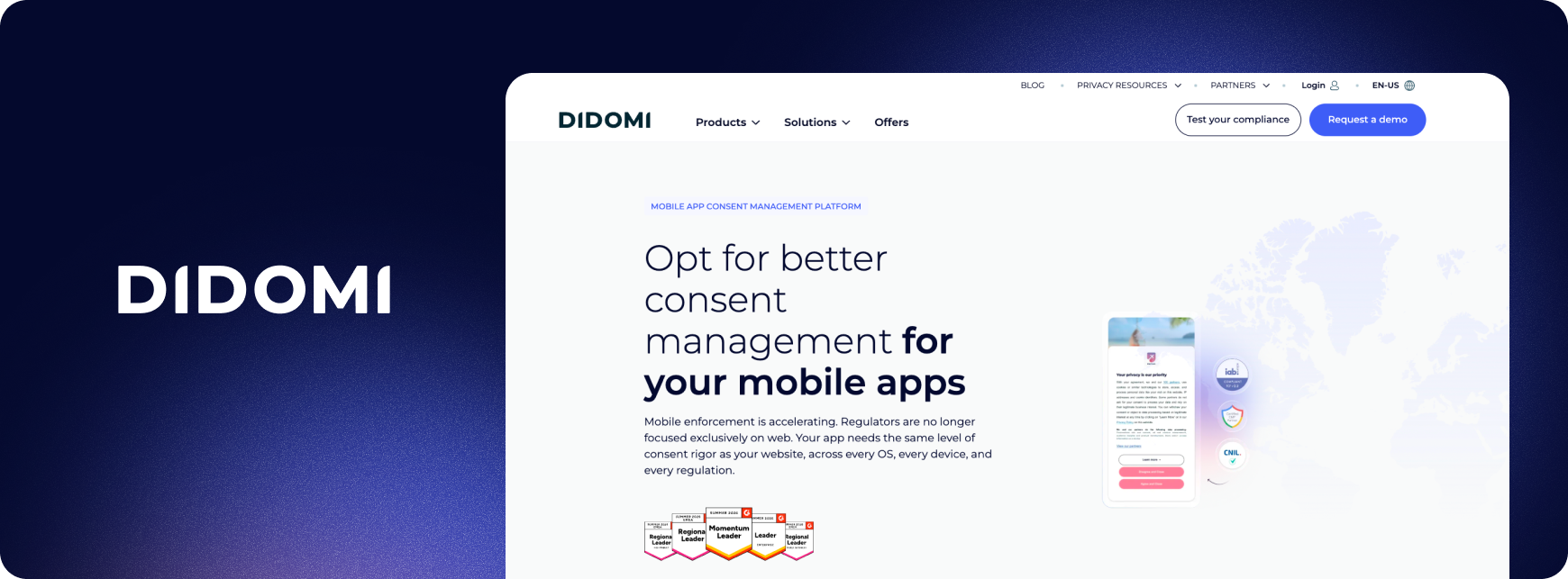
Didomi is an enterprise consent management platform that covers websites, mobile apps, and connected TV (CTV). The mobile SDKs (iOS, Android, Unity, React Native, Flutter) include dedicated support and documentation for Apple’s ATT prompt. For signed-in users, consent given once can apply across web, app, and connected TV through the cross-device feature. Didomi is a Gold-tier Google-certified CMP for web, app, and CTV and a Google App-ready partner.
Average review scores from clients
- G2: 4.5/5 (182 reviews)
- Capterra: 4.5/5 (14 reviews)
Pros
- Some users say Didomi brings web and app together in one setup, and that the SDK makes adding it to a mobile app simple.
- Some users report higher consent rates across web, app, and TV, leading to an increase in advertising revenue.
- Some reviewers have mentioned responsive support, clear documentation, and easy customization without a developer.
Cons
- Teams that only need a simple banner might find Didomi expensive, since it’s an advanced, multi-regulation CMP.
- Self-onboarding is not available, and new customers are required to speak to the Didomi team first in order to shape setup around their specific needs.
Best for
Didomi is a great fit for global enterprises and publishers that need a multi-regulation CMP with advanced customization and cross-device consent management at scale.
To discuss your data privacy and consent management challenges, get in touch with our team:
{{talk-to-an-expert}}
Ketch: A privacy platform that turns consent into marketing data
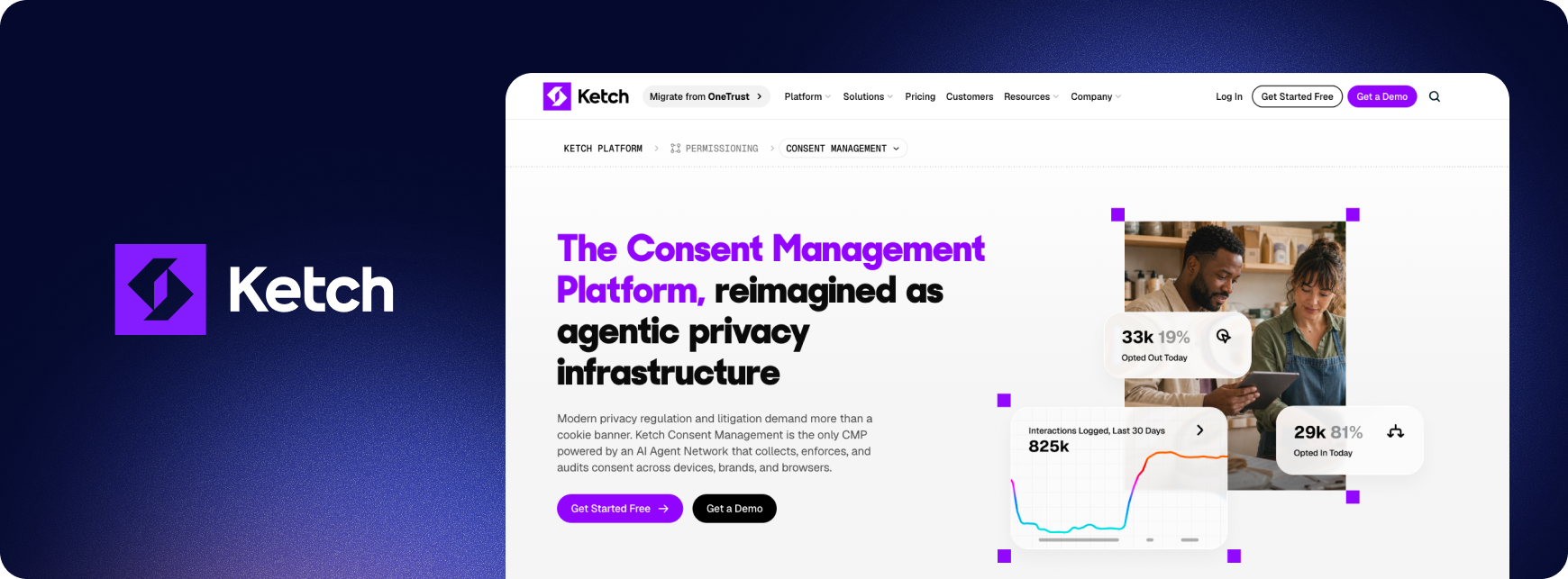
Ketch is a privacy platform that collects consent and enforces it across connected systems in real time using server-to-server signals, from apps and websites to ad platforms and data warehouses. On mobile, it supports iOS, Android, and React Native for in-app consent and preference management.
Average review scores from clients
- G2: 4.6/5 (181 reviews)
- Capterra: 5/5 (1 review)
Pros
- Many reviewers praised the UI, saying it's easy for non-developers to understand and implement.
Cons
- Some users report that setting up Ketch in React Native apps took more custom code than expected to stop data sharing when users opt out.
- Some reviewers noted that the design options were limited beyond the basics, with little control over showing specific screens to specific users.
Best for
Marketing and data teams at mid-sized and large brands that need every connected system, from CRMs to ad platforms, to respect a user’s choice.
Usercentrics: Consent built for mobile games and app portfolios
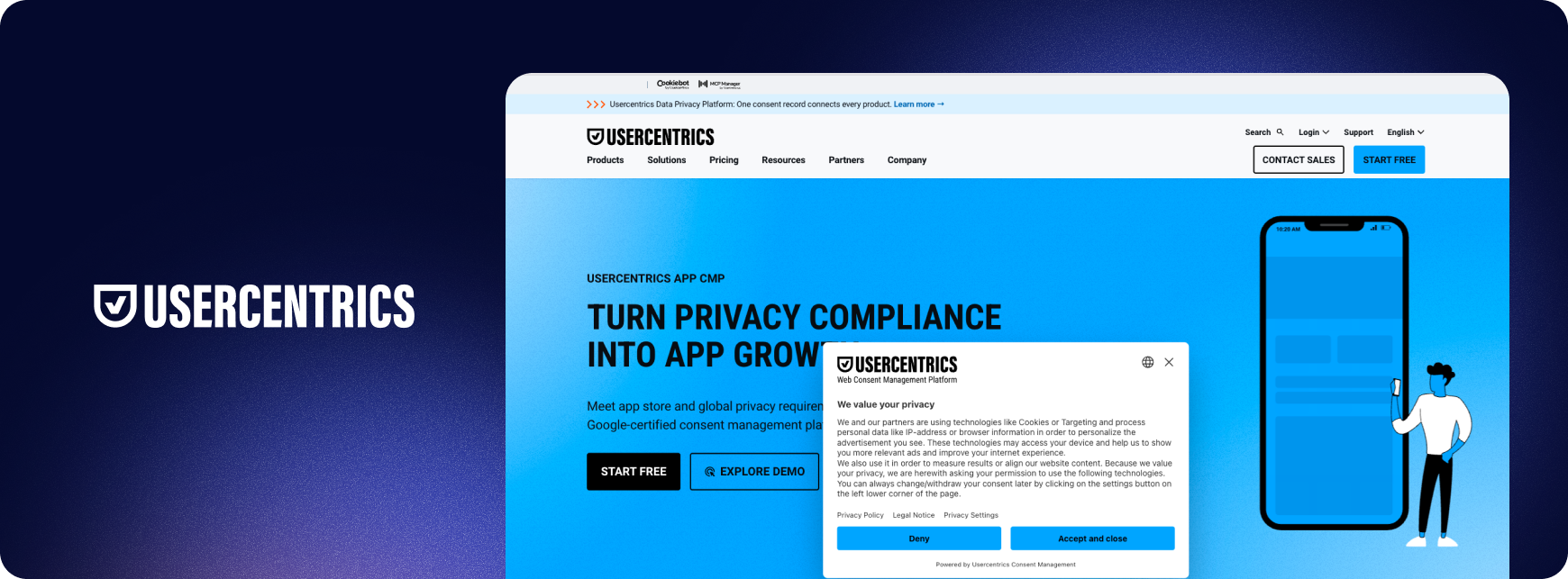
Usercentrics is a consent management platform that offers an App CMP designed for quick setup. Available for iOS, Android, React Native, Flutter and Unity.
Average review scores from clients
- G2: 4.3/5 (241 reviews)
- Capterra: 4.5/5 (21 reviews)
Pros
- Some users say it's easy to use and saves time for small teams without the budget to handle legal requirements themselves.
- Some reviewers express finding the UI intuitive.
Cons
- Some users report limited support after signing up, with no onboarding help and slow replies to support tickets.
- Some users find the price is on the higher side for what's included, and analytics only go back 90 days.
Best for
Small to mid-size companies running several apps and websites.
OneTrust: Framework-rich consent SDKs within an enterprise privacy suite
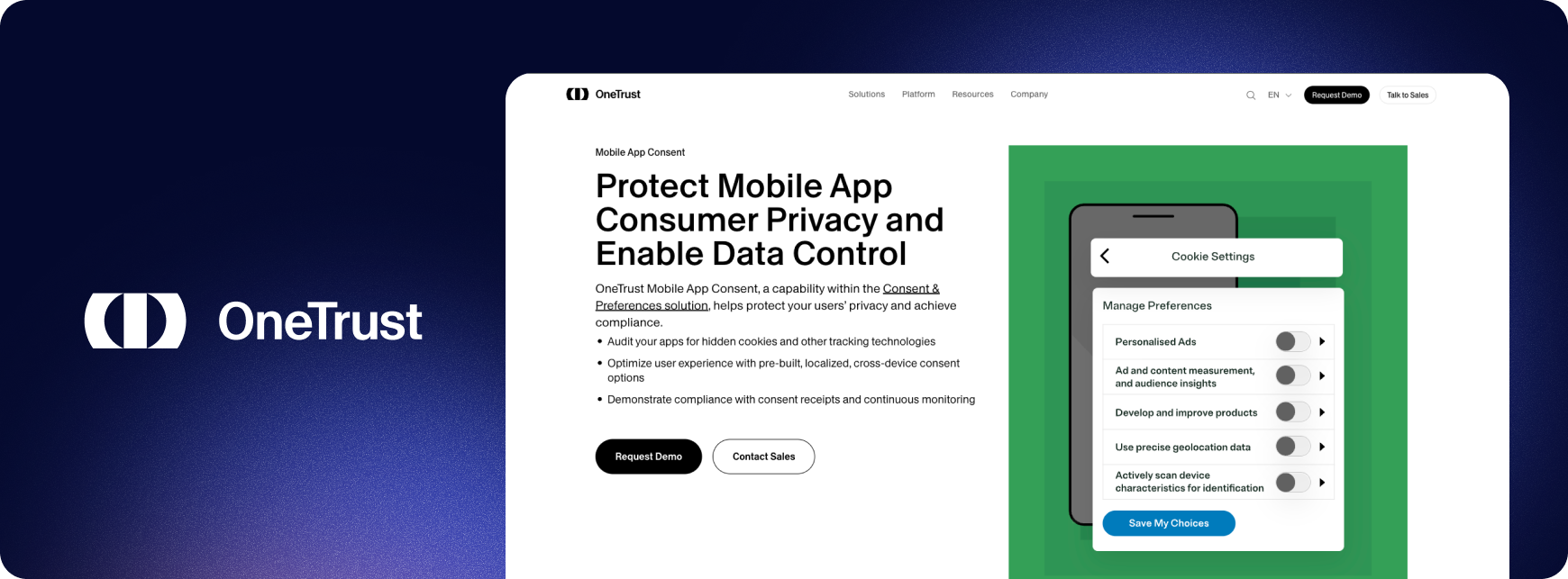
OneTrust provides consent SDKs for mobile and TV apps as part of its privacy platform. Its app integrations cover iOS, Android, Unity, MAUI, React Native, Flutter, Cordova and Ionic, with an App Scanner that categorizes the SDKs inside your app.
Average review scores from clients
- G2: 4.4/5 (286 reviews)
- Capterra: 4.3/5 (57 reviews)
Pros
- Some users value its support for multiple privacy laws, including GDPR, CCPA, and Brazil's LGPD, and how well it adapts to different regulations.
- Some reviewers say the consent experience is simple for end users to interact with.
Cons
- Some users report a clunky interface and large price increases announced at short notice.
- Some reviewers noted that because it has many features, integration with other systems can be complex and slow.
Best for
Enterprises with apps spread across many frameworks and TV platforms will get the most from OneTrust, especially if privacy is already managed as a wider program.
Axeptio: User-friendly CMP that makes consent part of your app’s design
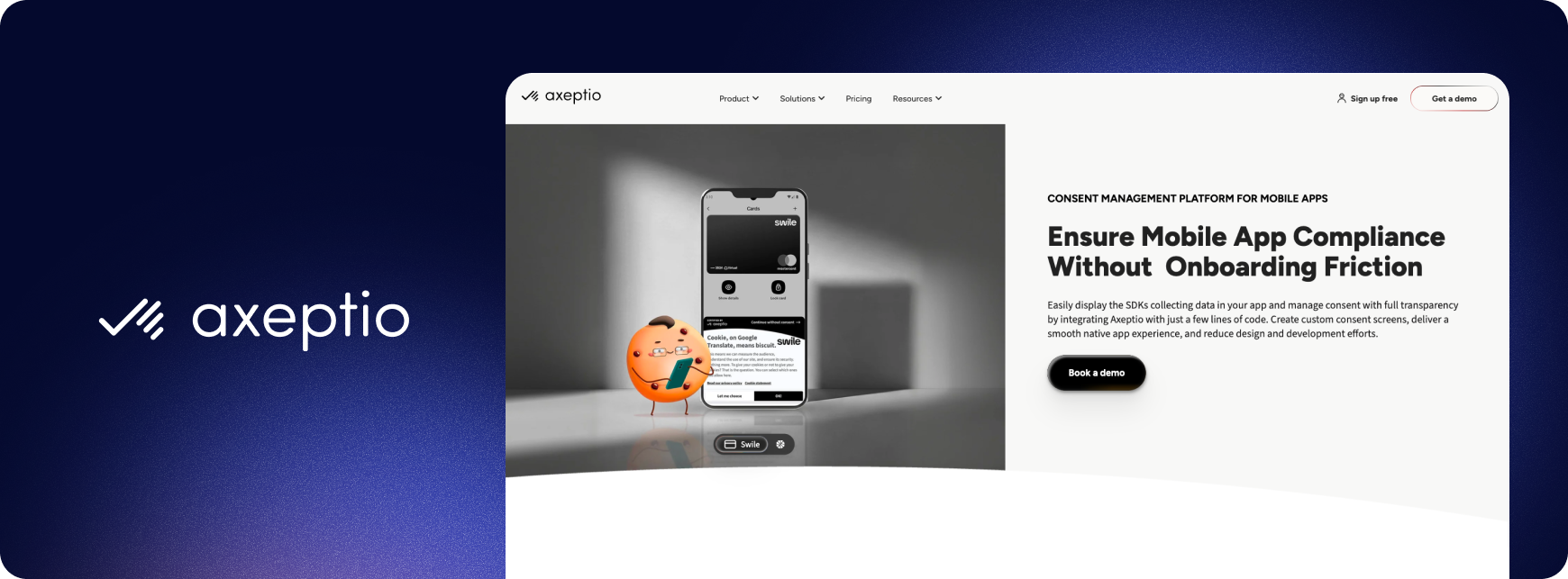
Axeptio is a CMP provider known for letting teams build customized in-app consent screens. It provides a lightweight mobile SDK (supporting iOS, Android, Flutter, and React Native) that keeps consent consistent between the app and any web pages inside it.
Average review scores from clients
- G2: 4.6/5 (156 reviews)
- Capterra: 4.9/5 (61 reviews)
Pros
- Some users praise Axeptio's support team for making setup smooth and helping them meet legal requirements.
- Some reviewers find it easy to use, with a simple interface that connects well with other tools.
Cons
- Some users would like more control over customization without contacting support.
- Some reviews mention plan changes without notice, and they can be expensive.
Best for
Ideal for small and mid-sized brands that want polished, on-brand consent screens on their apps.
iubenda: CMP with a built-in legal document generator
iubenda is a compliance platform that offers a privacy policy and terms generator alongside its consent management platform. Its mobile SDK (iOS, Android) handles consent in the app.
Average review scores from clients
- G2: 4.5/5 (75 reviews)
- Capterra: 4.7/5 (190 reviews)
Pros
- Some users say it's easy to use and integrate, with regular updates that keep policies in line with changing laws.
- Some online reviews highlighted iubenda's responsive customer support, which enhances their overall experience.
Cons
- Some users say the platform can feel complex, especially when navigating the interface.
- Some reviewers find it difficult to get in touch with their customer support team.
Best for
Small teams and developers who need a privacy policy, terms and consent in one place.
Osano: Easy-to-run privacy platform for teams without privacy experts
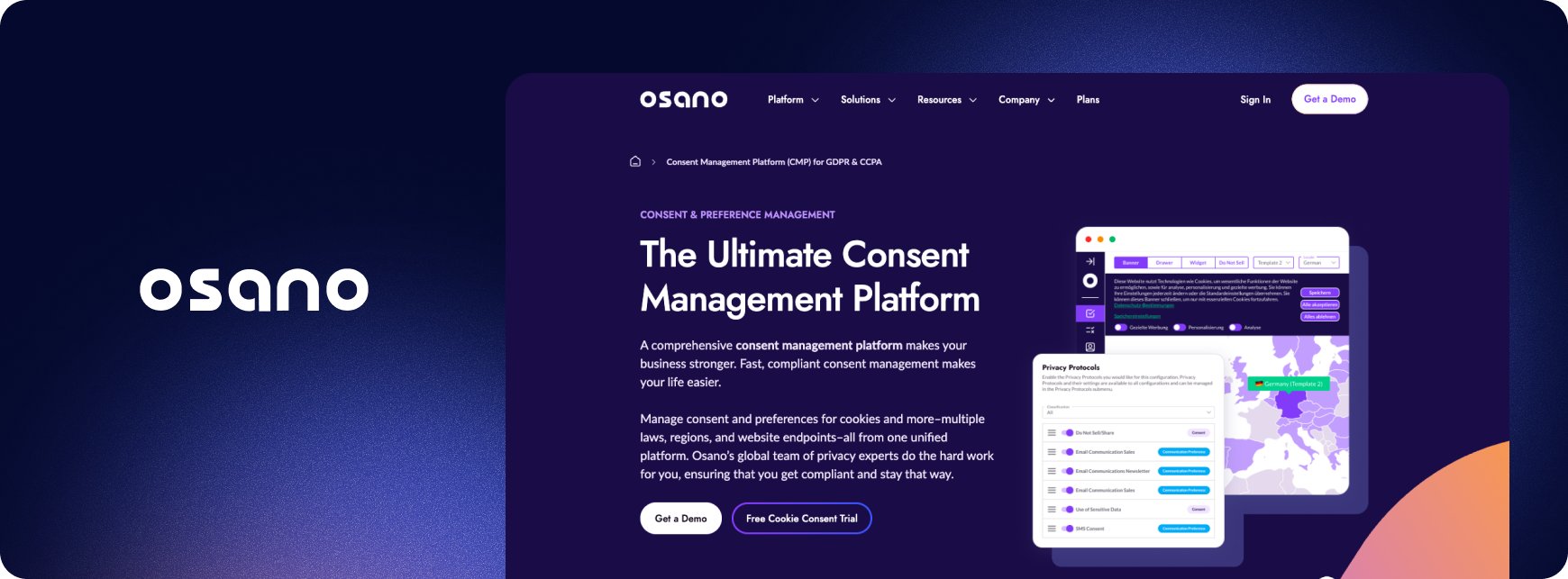
Osano is a data privacy platform that collects and records consent based on each visitor’s location. Through its Unified Consent & Preference Hub, consent from iOS, Android and React Native apps is brought together with preferences from every other touchpoint.
Average review scores from clients
- G2: 4.5/5 (173 reviews)
- Capterra: 5/5 (1 review)
Pros
- Some reviewers say the initial setup is fairly easy, and the support team is available to answer questions.
- Some reviewers praise automation features that help small teams stay compliant without extra staff.
Cons
- Some reviewers have mentioned that the analytics dashboard could be more intuitive, with more options for working with the data.
Best for
Companies without a dedicated privacy team that want consent, data requests, and vendor checks handled in one easy-to-run, low-effort platform.
CMP for mobile apps comparison chart
What’s ahead for mobile apps and consent management in 2027
Selecting a Consent Management Platform is a big undertaking that deserves time and focus to ensure you make the right choice. This guide clarifies the CMP landscape by showing there are options for every company, brand, and team.
One critical element we did not mention yet but should be top of mind when making your selection is the ability for your CMP provider to become a trusted partner for your company. Over the past ten years, data privacy has evolved from a regulatory checkbox exercise to a real strategic moat for leading companies.
In that regard, choosing to work with a CMP provider with trusted and recognized expertise, as well as industry presence, is critical to facing upcoming challenges, including:
- The European Commission Digital Omnibus, set to potentially disrupt consent management in the EU
- The upcoming changes to Apple’s App Tracking Transparency (ATT) Framework and what they might entail for app publishers
- The increasing scrutiny around children’s privacy and the stringent requirements imposed by regulatory bodies worldwide
To share your consent management and privacy questions with an expert, book a time with our team:
{{talk-to-an-expert}}